How to Photograph Your Cat Like a Pro: A Content Creator's Guide
You buy an expensive new collar, set your cat up on the nice rug and pull out your phone. The moment you tap the screen, they turn their head, blur into a fuzzy streak and run off to sit in a cardboard box in the darkest corner of the room. Taking a good photo of a cat feels like trying to photograph a ghost that actively hates you. We're talking about the actual techniques creators use to get stunning, sharp photos without making the cat miserable.
Getting on their level changes everything
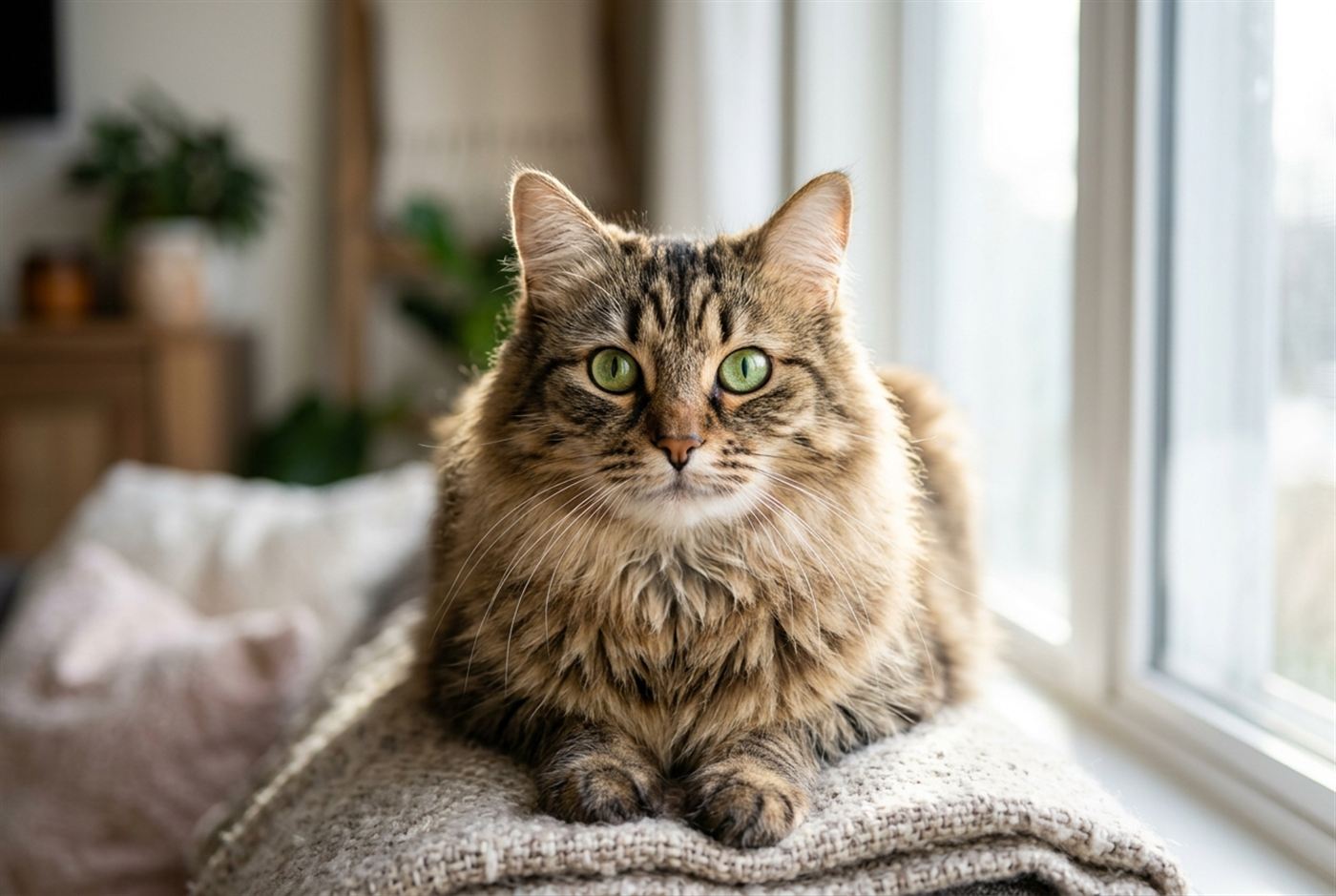
The biggest mistake you make is shooting down at your cat from a standing position. It makes them look small, distorts their proportions and results in a boring photo that looks like every other snapshot. To get a professional look, you have to get down on the floor. Shooting right at their eye level instantly changes the perspective. It pulls the viewer into the cat's world rather than looking down on it.
When you're at eye level, the background naturally falls away, creating that blurry, professional depth of field even on a standard smartphone. Think of it like shooting a portrait of a person; you wouldn't stand on a chair and shoot down at their head. You want the lens dead parallel with their eyes. This angle also captures their facial expressions clearly, which is exactly what makes a cat photo engaging. According to the Petfinnly's research, photos shot at a cat's eye level got noticeably more clicks in shelter adoption listings than photos taken from a standing position.
Lighting the fur correctly
Natural light is your best asset, but direct sunlight will blow out the details in their fur. You want soft, indirect window light. Position your cat so the window is either hitting them from a 45-degree angle or slightly behind them. If the light comes from behind, it creates a rim light, a glowing outline around their fur that separates them from the background and looks incredibly cinematic.
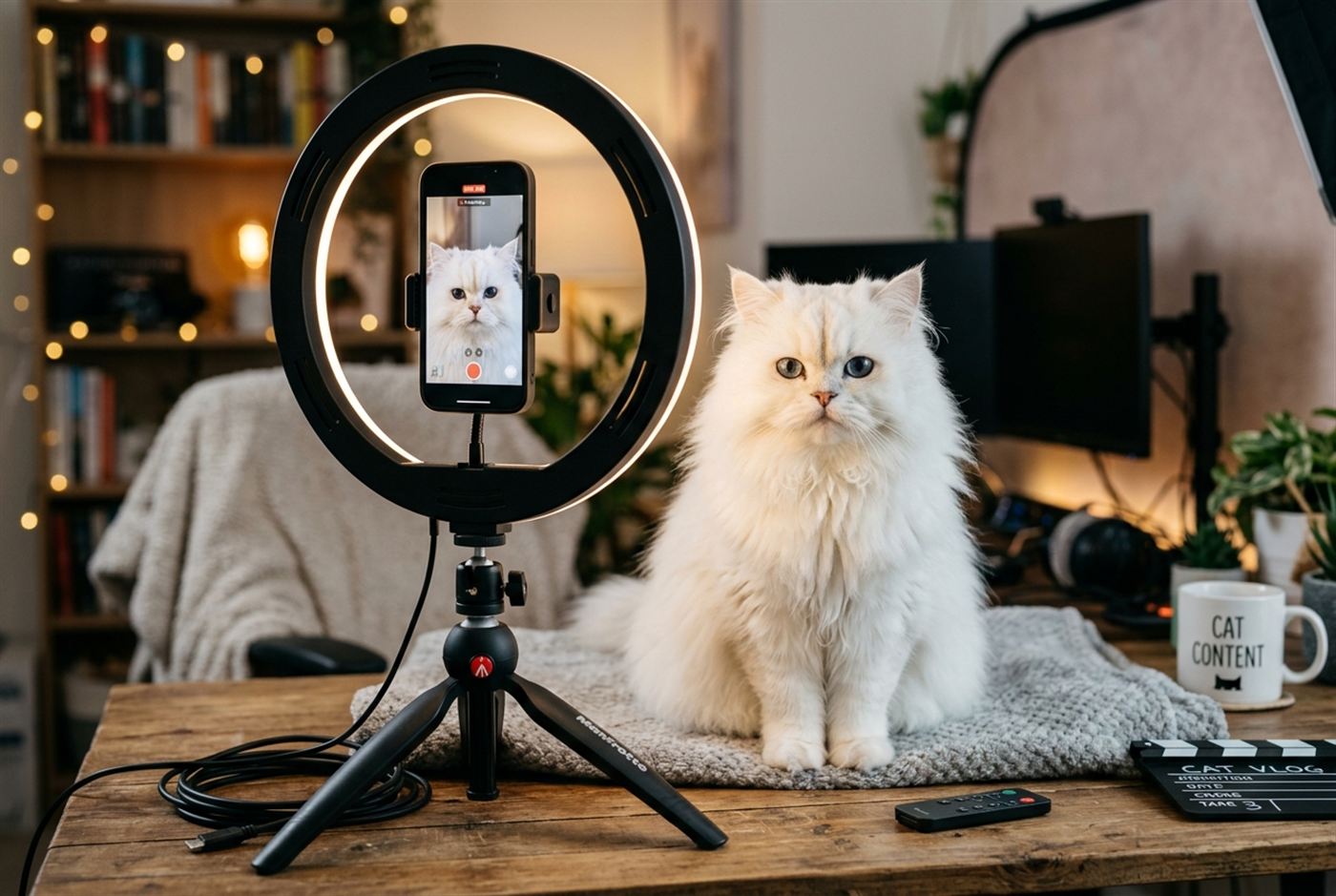
Avoid ring lights and harsh indoor overheads unless you have no other choice. Ring lights reflect weirdly in a cat's highly reflective eyes, making them look like cyborgs and the harsh intensity usually riles the cat up. If you are shooting a black cat, lighting is crucial. You have to expose for the shadows, or you just get a dark blob with eyes. Position them on a lighter background and use that soft window light to highlight the texture of their coat.
Capturing the action without the blur
Cats move fast and indoor lighting often forces your phone to use a slower shutter speed, resulting in motion blur. You need to use burst mode. Don't try to time the exact moment they bat at a toy or yawn. Hold down the shutter button and fire off twenty frames while they move. You'll throw away nineteen of them, but that one frame will be perfectly sharp and capture the exact peak of the action.
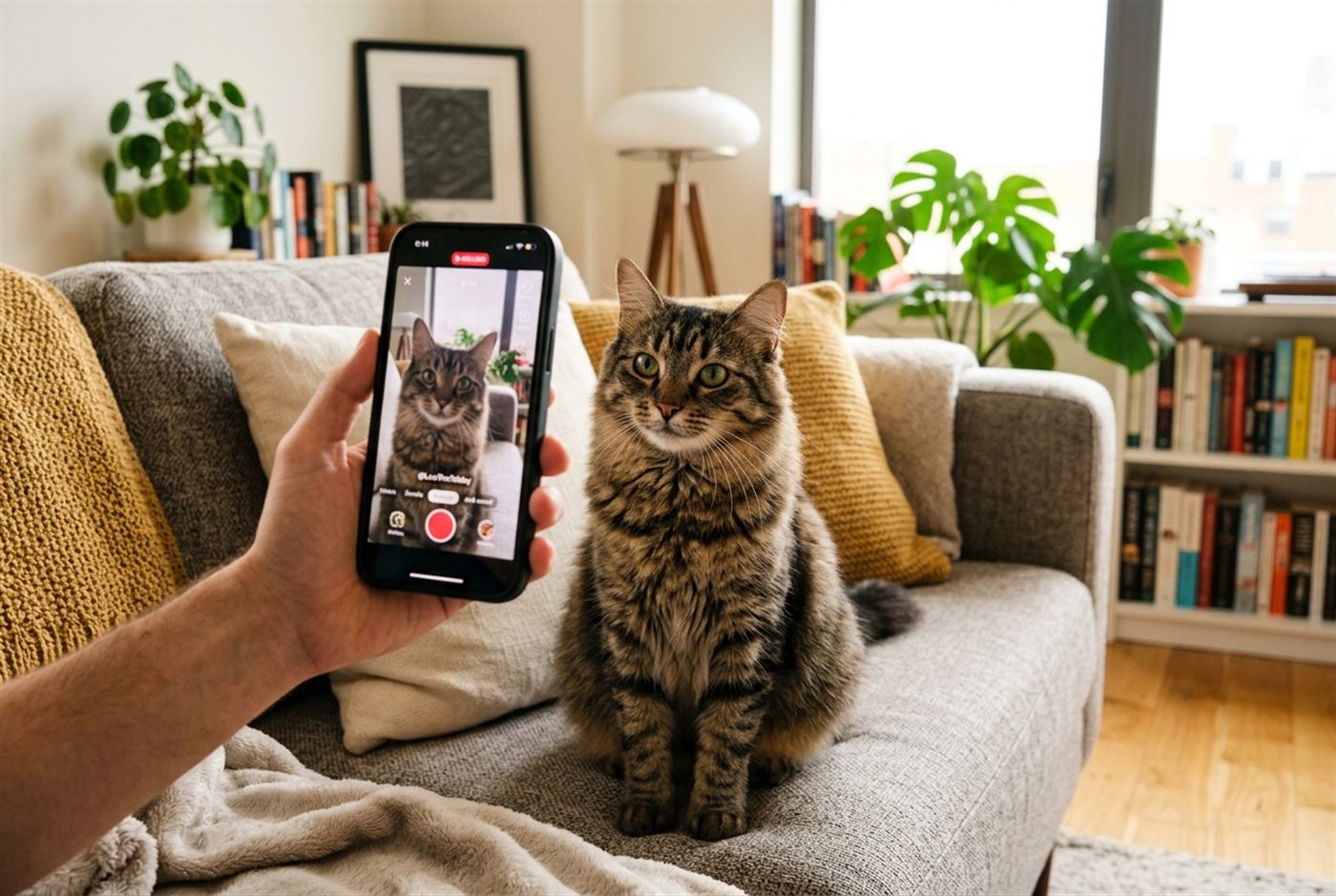
To get them to look at the lens, don't just call their name. They usually ignore that. Use weird, novel sounds. Crinkle a wrapper right next to the phone lens, or lightly scratch the back of your phone case. The moment they snap their attention to the sound, hit the burst mode. If you use treats, hold the treat right above the camera lens to get that intense, focused stare directly into the viewer's eyes.
Editing to make it pop
A good photo gets great in the edit, but you have to keep it natural. Over-saturating a cat photo makes their fur look fake. Use apps like Lightroom Mobile to bump up the contrast slightly and sharpen the eyes. The eyes are the focal point of any cat portrait. If you slightly increase the exposure and sharpness just around the irises, it instantly makes the photo look high-end and professional.
Pay attention to your crop. If there's a pile of laundry in the background, crop it out. A tight crop on the face or a clean composition emphasizing their shape works best for social media. People are scrolling on small screens, so if the cat is tiny in the frame, they'll scroll right past. Make the cat the undeniable center of attention.
Photography tips compared
| Technique | Common mistake | Professional fix | Why it works |
|---|---|---|---|
| Angle | Shooting down from standing | Shooting at eye level | Creates intimacy and depth |
| Lighting | Direct sun or flash | Soft window light | Prevents harsh shadows and glowing eyes |
| Focus | Relying on auto-focus | Locking focus on the eyes | Draws the viewer's attention |
| Action | Trying to time a single shot | Using burst mode | Captures peak action clearly |
Frequently asked questions
Why does the flash make my cat's eyes glow green or yellow?
That's the tapetum lucidum, a reflective layer in their eyes that helps them see in the dark. Flash bounces directly off it and ruins the photo.
How do I photograph a black cat?
Put them on a light-colored blanket or background, shoot near a window with soft light and manually increase the exposure on your phone before taking the shot.
Is it okay to use a laser pointer to get them to look?
It works, but it can frustrate them if they never get to "catch" anything. Use a feather wand or treats near the lens instead.
Why are my action shots always blurry?
Your camera is using a slow shutter speed because there isn't enough light. Move to a brighter room or closer to a window.
What's the best way to get a sleeping cat photo?
Move slowly, turn off the artificial shutter sound on your phone and don't use flash. Just rely on whatever natural light is available.
This article is for general information and isn't a substitute for advice from your own veterinarian or a certified feline behaviorist, who can properly evaluate specific behavior in your specific cat.